Test Case Generator for QA Teams
Need test cases for your software? Our Test Case Generator crafts detailed scenarios for QA pros based on your app’s specifics. Try it free!
Test Case Generator for QA Teams
Boost Your QA Workflow with a Test Case Generator
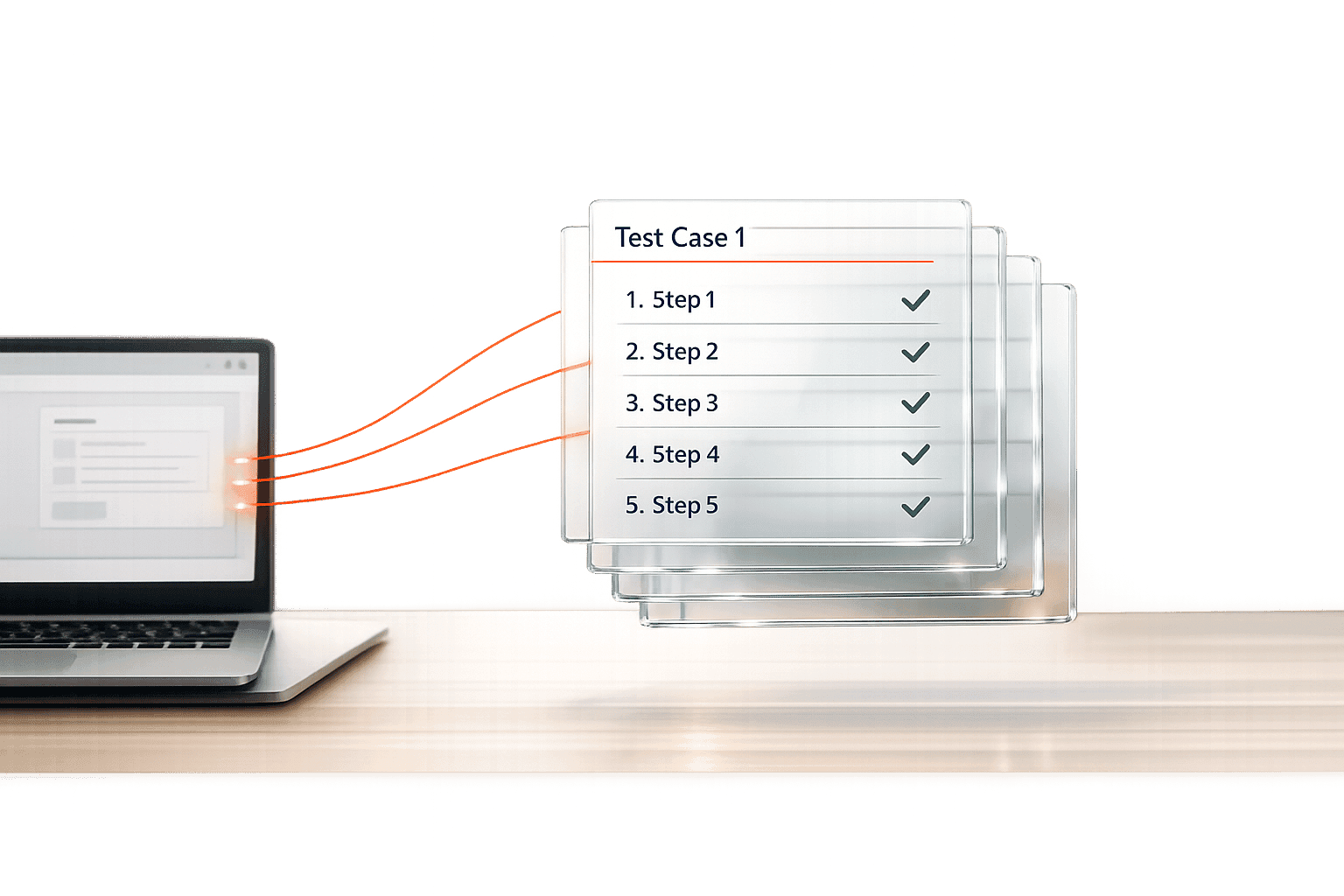
In the fast-paced world of software development, quality assurance can make or break a project. Testers and QA professionals often spend countless hours crafting detailed scenarios to ensure every feature works as intended. That’s where a tool like our Test Case Builder comes in handy. It simplifies the process by turning your app details into structured, actionable test plans in just a few clicks.
Why Automate Test Case Creation?
Manually writing test cases for every module, feature, or update is tedious and prone to human error. A well-designed solution can analyze inputs like functionality descriptions or environment settings to produce comprehensive scenarios—covering everything from happy paths to edge cases. This not only saves time but also ensures consistency across your testing efforts. Whether you’re validating a login screen or stress-testing a payment gateway, automation helps you focus on what matters: finding bugs before your users do.
Tailored for Every Project
No two apps are the same, and your testing approach shouldn’t be either. By customizing outputs based on specific parameters, this kind of utility empowers teams to tackle unique challenges with precision. So, next time you’re staring down a tight deadline, let smart tools lighten the load.
FAQs
How does this Test Case Generator customize scenarios for my app?
Great question! The tool takes the details you provide—like the module name, functionality description, and environment specifics—and maps them to predefined templates. It identifies key variables, such as input fields or error conditions, and builds test cases for positive, negative, and boundary scenarios. So, if you’re testing a login feature, it’ll suggest cases for valid credentials, wrong passwords, or even empty fields. You get output that feels relevant to your context, not just generic placeholders.
Can I edit the generated test cases if something’s off?
Absolutely, and you should! While the tool does a solid job of creating logical test cases based on your inputs, it’s not a mind-reader. You might have unique edge cases or project quirks we can’t predict. The output comes in an easy-to-edit format, so you can tweak descriptions, steps, or priorities to fit your workflow. Think of it as a starting point that cuts down the grunt work.
Is this tool suitable for non-technical team members?
Yes, it’s designed to be user-friendly, even if you’re not a QA expert. The input fields are straightforward—just describe what you’re testing and add a few details about the setup. The tool handles the complex part of structuring test cases. That said, a basic understanding of testing concepts helps to refine the output. If you’re new to QA, you might want a tester to review the results, just to be safe.