Blog
Insights & Updates
Explore the latest in AI-powered QA testing, automation strategies, and best practices for building reliable software.
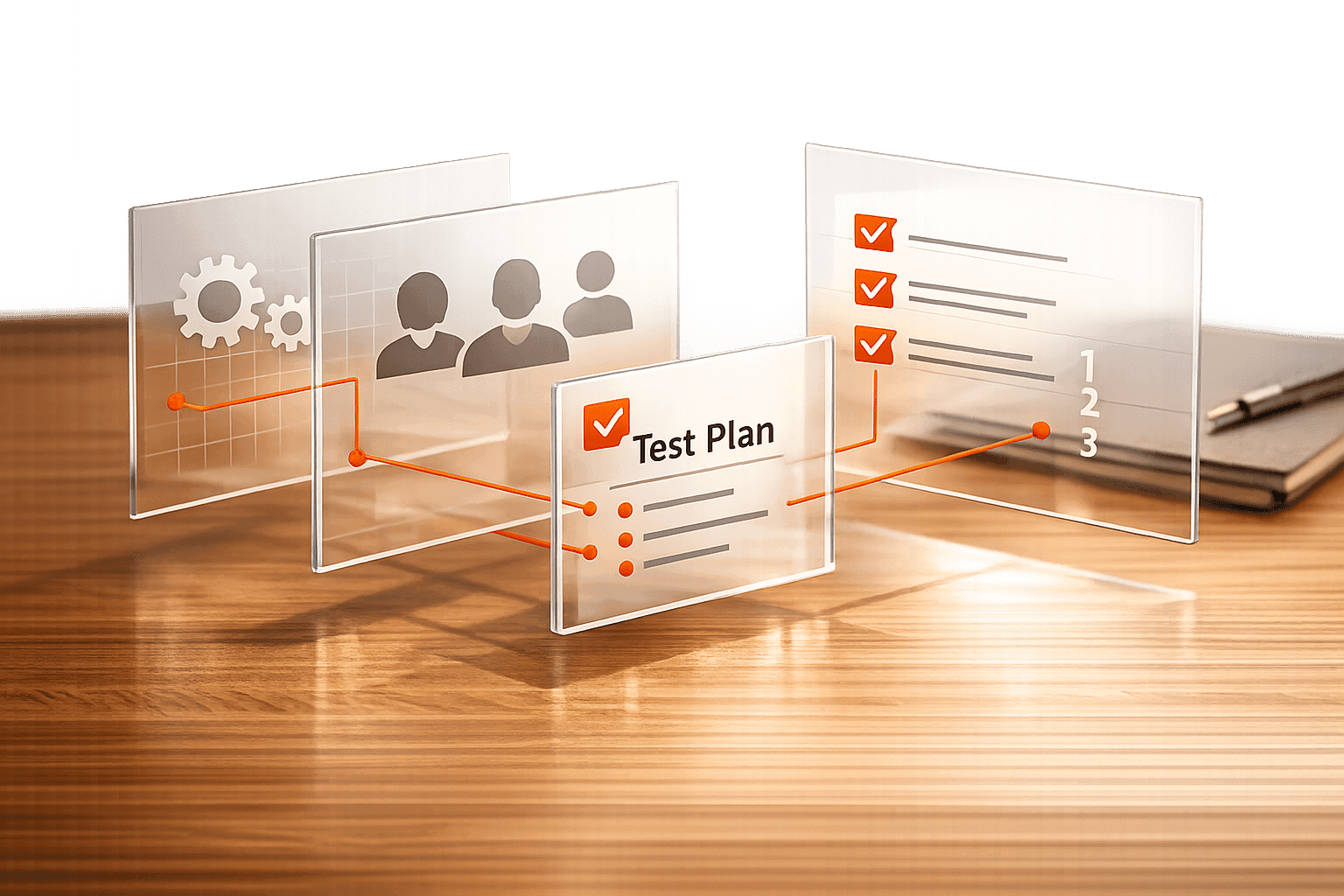
Test Scenario Planner for Robust Testing
Design detailed test scenarios for QA with our free Test Scenario Planner. Input features and personas to get structured...

Bug Description Formatter for Clear Reports
Easily create clear, standardized bug reports with our Bug Description Formatter. Perfect for testers and developers to ...
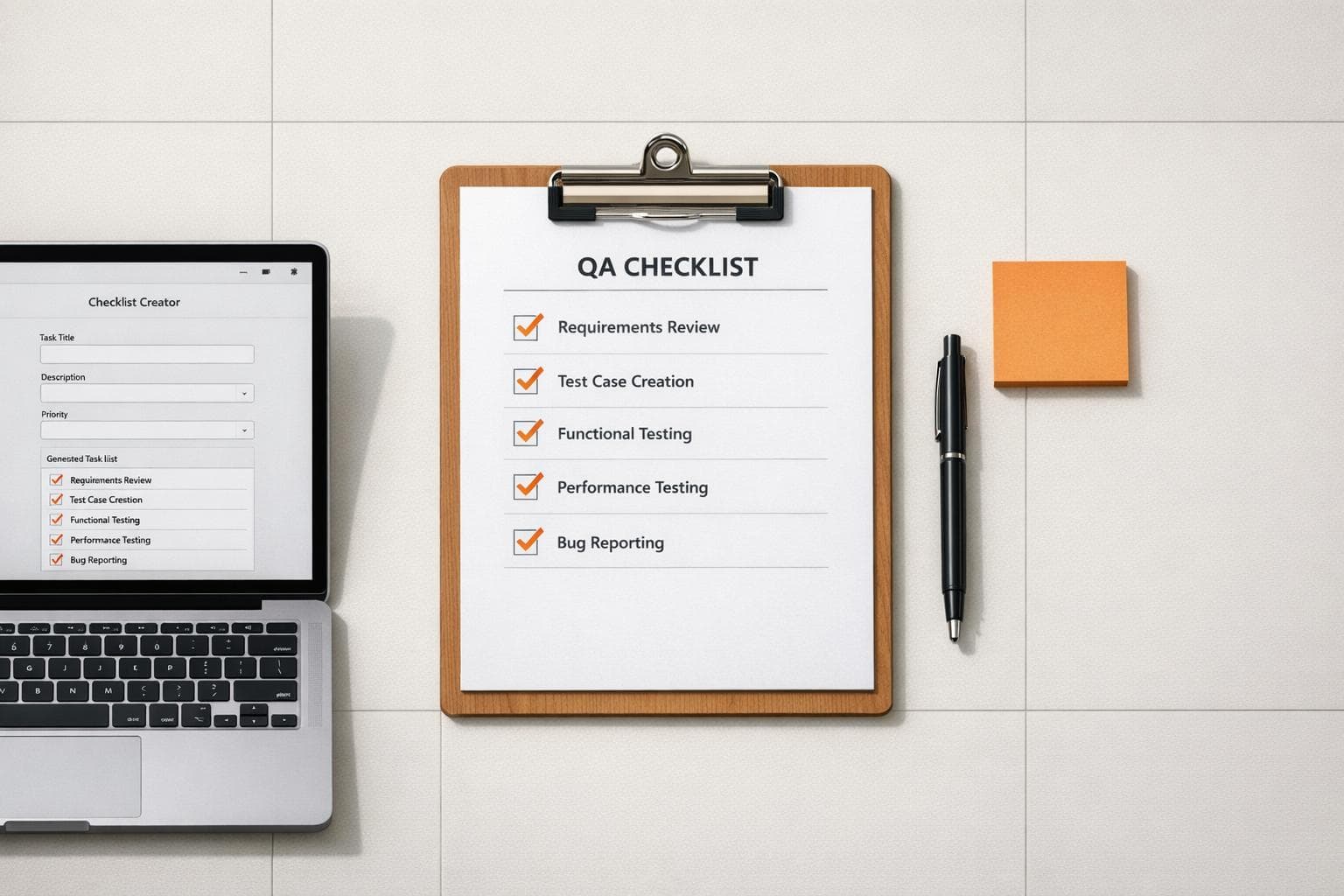
QA Checklist Creator for Seamless Testing
Create tailored QA checklists for software testing with our free tool. Input project details and get organized tasks ins...
How to Build Evaluation Workflows for AI Agents
Learn how to create efficient evaluation workflows for AI agents using Google Sheets to improve lead scoring and performance.
Defining Ownership in AI QA Workflows
Assign single-point ownership, auditable logs, and role-based governance to eliminate accountability gaps in AI-driven QA workflows.
How to Supercharge Testing with Playwright MCP + AI
Discover how Playwright MCP and AI redefine testing workflows with automation, agents, and efficient debugging tools.
Regression Test Priority Analyzer for Smart Testing
Boost QA efficiency with our Regression Test Priority Analyzer. Prioritize test cases by impact and bug frequency—optimize testing now!
UI Design Consistency Checker for Flawless Designs
Check your UI design for consistency with our free tool! Easily spot deviations in buttons, colors, and spacing to maintain a polished look.
Test Coverage Calculator for Better Insights
Calculate your test coverage easily with our free tool! Input test cases or code lines to see your testing depth and improve quality.
Move Beyond the Test Pyramid: Fast, Predictive Tests
Discover how the Test Deciderata 2.0 model improves test strategies by focusing on speed, cost, predictiveness, and design support.
 Rock Smith
Ship faster with AI that tests your web apps—so you can focus on building, not debugging.
Get Started