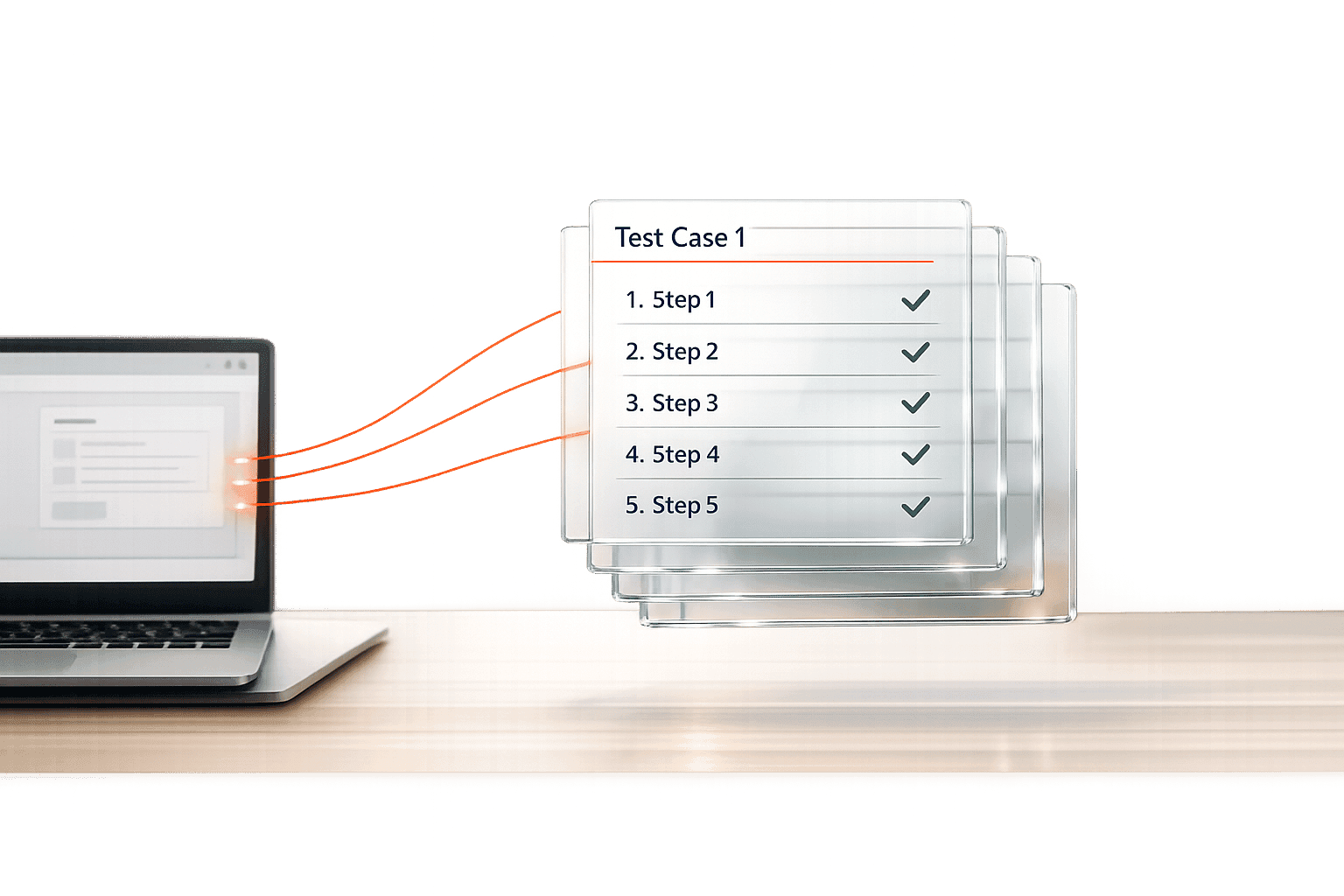
Regression Test Priority Analyzer for Smart Testing
Boost QA efficiency with our Regression Test Priority Analyzer. Prioritize test cases by impact and bug frequency—optimize testing now!

Regression Test Priority Analyzer for Smart Testing
Optimize QA with a Regression Test Priority Analyzer
In the fast-paced world of software development, regression testing is a crucial step to ensure updates don’t break existing functionality. But with limited time and resources, how do QA teams decide where to focus? That’s where a tool to prioritize test cases becomes a game-changer. By analyzing factors like the impact of specific features and the history of defects, teams can target high-risk areas without wasting effort on low-priority issues.
Why Prioritization Matters in Testing
Not all test cases are created equal. Some cover critical components—like payment processing or user authentication—where a bug could spell disaster. Others might relate to minor UI tweaks that, while important, won’t tank the user experience if they slip through. A smart analyzer helps sort through this mess, assigning scores based on what’s truly critical. This approach ensures that QA efforts align with business needs, maximizing stability where it counts. If you’re looking to refine your testing cycles, leveraging a solution for ranking test importance can transform chaotic sprints into focused, efficient workflows. It’s about working smarter, not harder, to keep your software rock-solid.
FAQs
How does the tool decide priority scores for test cases?
It’s pretty straightforward. The tool looks at the impact area—core features get a higher weight since they’re critical to the app—and combines that with bug frequency in the area. So, a test case tied to a core feature with frequent issues scores higher. If you’ve got a recent failure date, it adds a small boost to the score to flag potential hot spots. The result is a clear number that helps you see what to tackle first.
What if I forget to input some details for a test case?
No worries, we’ve got basic checks in place. The tool requires a test case name and impact area to work properly, since those are key to meaningful prioritization. If those are missing, you’ll see a quick error message asking you to fill them in. Optional fields like last failure date won’t hold things up—they just refine the score if added.
Can this tool handle large sets of test cases?
Absolutely, it’s built to manage multiple test cases at once, whether you’ve got a handful or a hefty list. Just input the details for each, and it’ll process everything, giving you a neatly sorted output with priority scores and reasons. It’s all about saving you time, no matter the size of your regression suite.