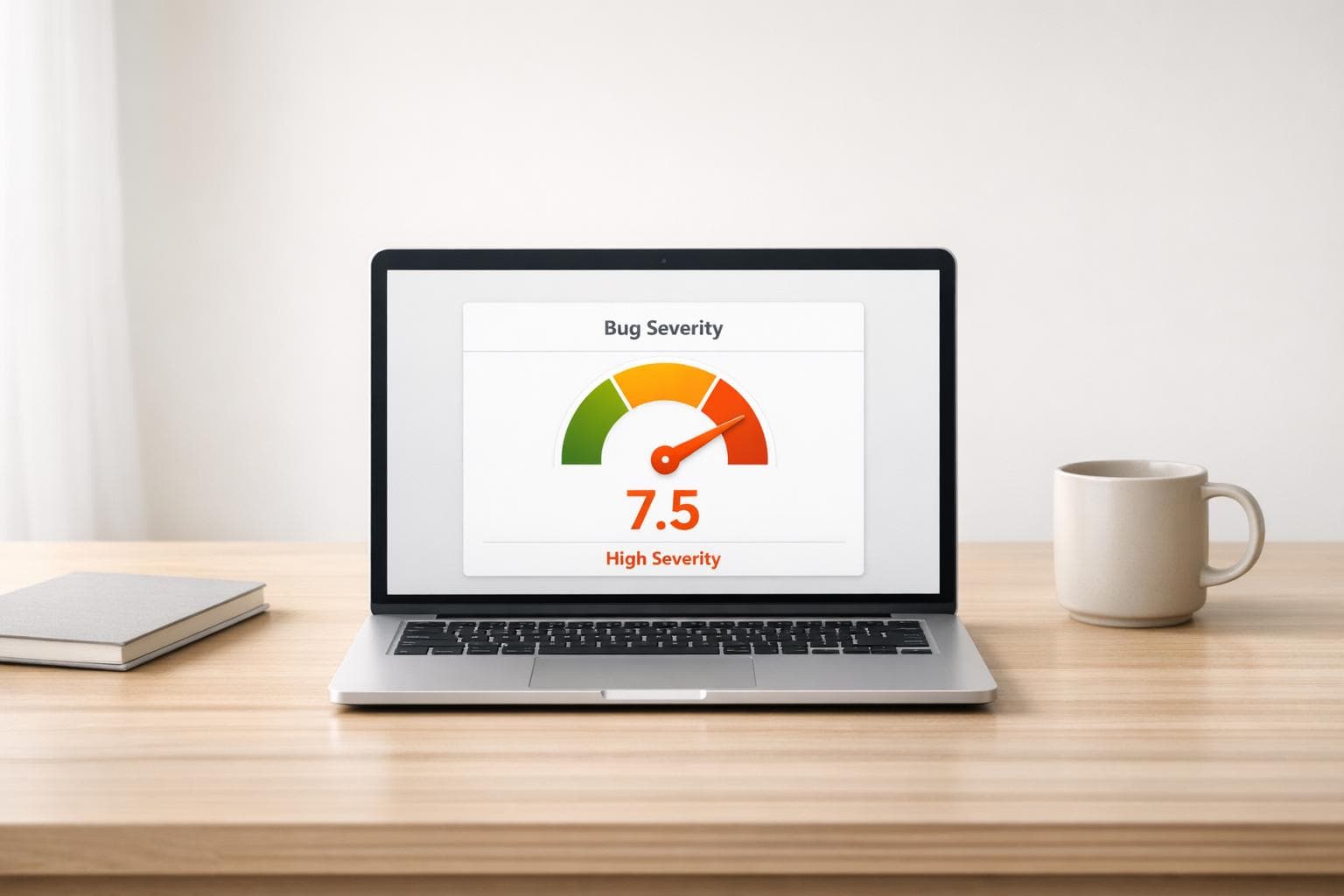
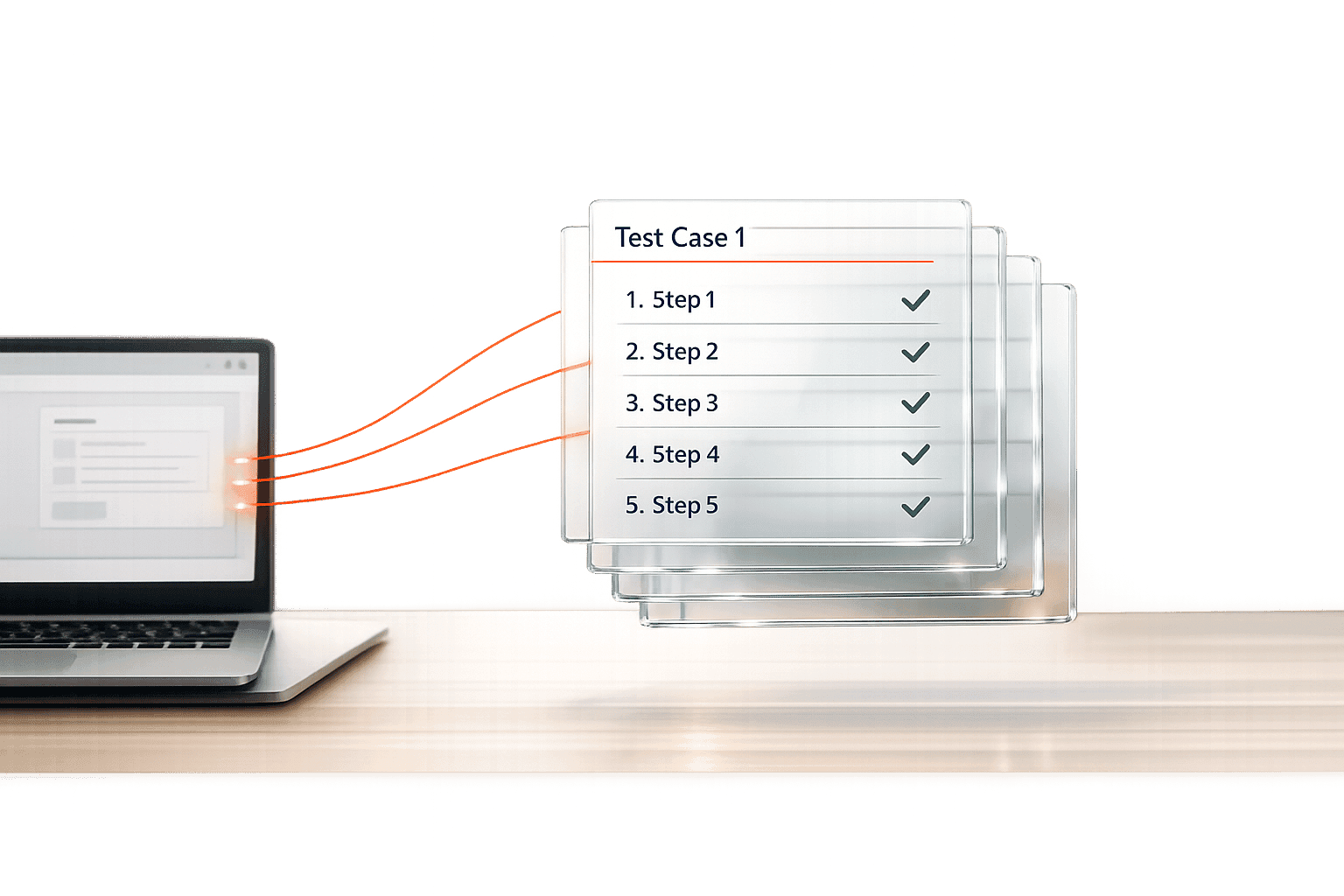
UI Design Consistency Checker for Flawless Designs
Check your UI design for consistency with our free tool! Easily spot deviations in buttons, colors, and spacing to maintain a polished look.
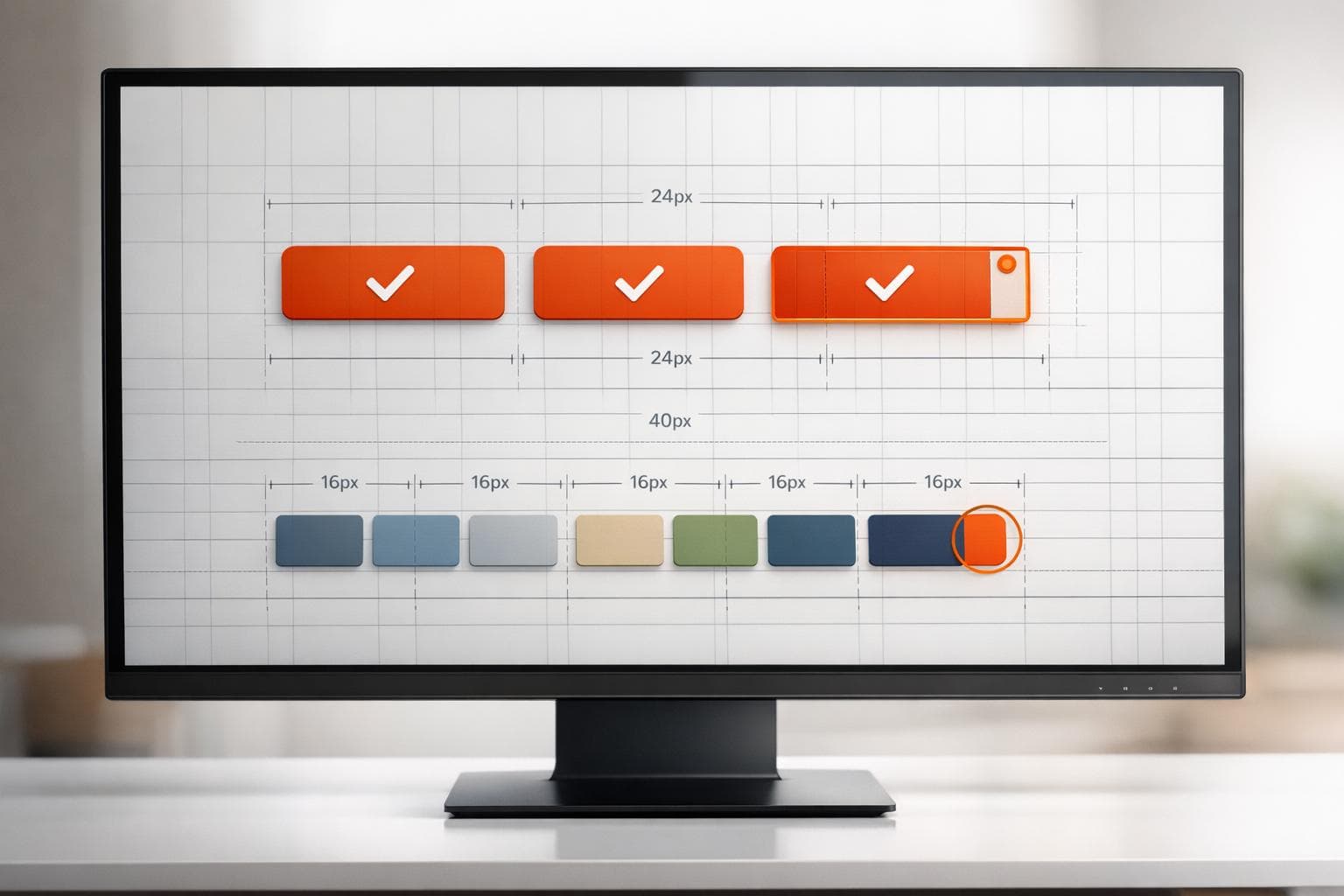
UI Design Consistency Checker for Flawless Designs
Ensure Flawless Designs with a UI Design Consistency Checker
Creating a user interface that feels intuitive and professional often comes down to the small details. Uniformity across elements like buttons, typography, and colors can make a huge difference in user experience, but manually verifying every piece is a hassle. That’s where a tool to validate design uniformity steps in, helping designers and developers maintain high standards without the grunt work.
Why Consistency Matters in UI Design
When elements of a user interface don’t align, users notice—even if subconsciously. A button that’s slightly off-size or a color that doesn’t match can break the flow and erode trust in a product. By using a dedicated checker, you can catch these issues early. Whether you’re working on a website, app, or dashboard, ensuring every component adheres to your guidelines keeps your project polished and professional. It’s not just about aesthetics; it’s about delivering a seamless experience.
Save Time and Boost Quality
Manually comparing design specs is tedious and error-prone. Automating the process with a reliable solution lets you focus on what you do best—crafting amazing interfaces. Try it out and see how easy it is to elevate your work!
FAQs
What kind of design elements can I check with this tool?
You can check pretty much any measurable UI component! Think button heights, font sizes, color codes, spacing, or padding values. If you’ve got a specific standard in mind—like a primary button needing to be 40px tall or a color matching #007BFF—you can input it and see if your design matches up. It’s built to handle the nitty-gritty details that make or break a cohesive look.
What happens if I leave a field empty by mistake?
No worries, we’ve got you covered. If you skip a required field or forget to input a value, the tool will pop up a friendly error message asking you to fill it in before proceeding. It’s a simple nudge to make sure everything’s ready for an accurate check. Just add the missing info, and you’re good to go!
How detailed is the consistency report?
The report is straightforward but thorough. For every element you check, it’ll tell you whether it passed or failed based on your standards. If something’s off—like a button height being 38px when you wanted 40px—it’ll flag that specifically and explain the mismatch. You’ll have a clear picture of what needs fixing without any guesswork.