QA Checklist Creator for Seamless Testing
Create tailored QA checklists for software testing with our free tool. Input project details and get organized tasks instantly!
QA Checklist Creator for Seamless Testing
Elevate Your Software Testing with a Custom QA Checklist Tool
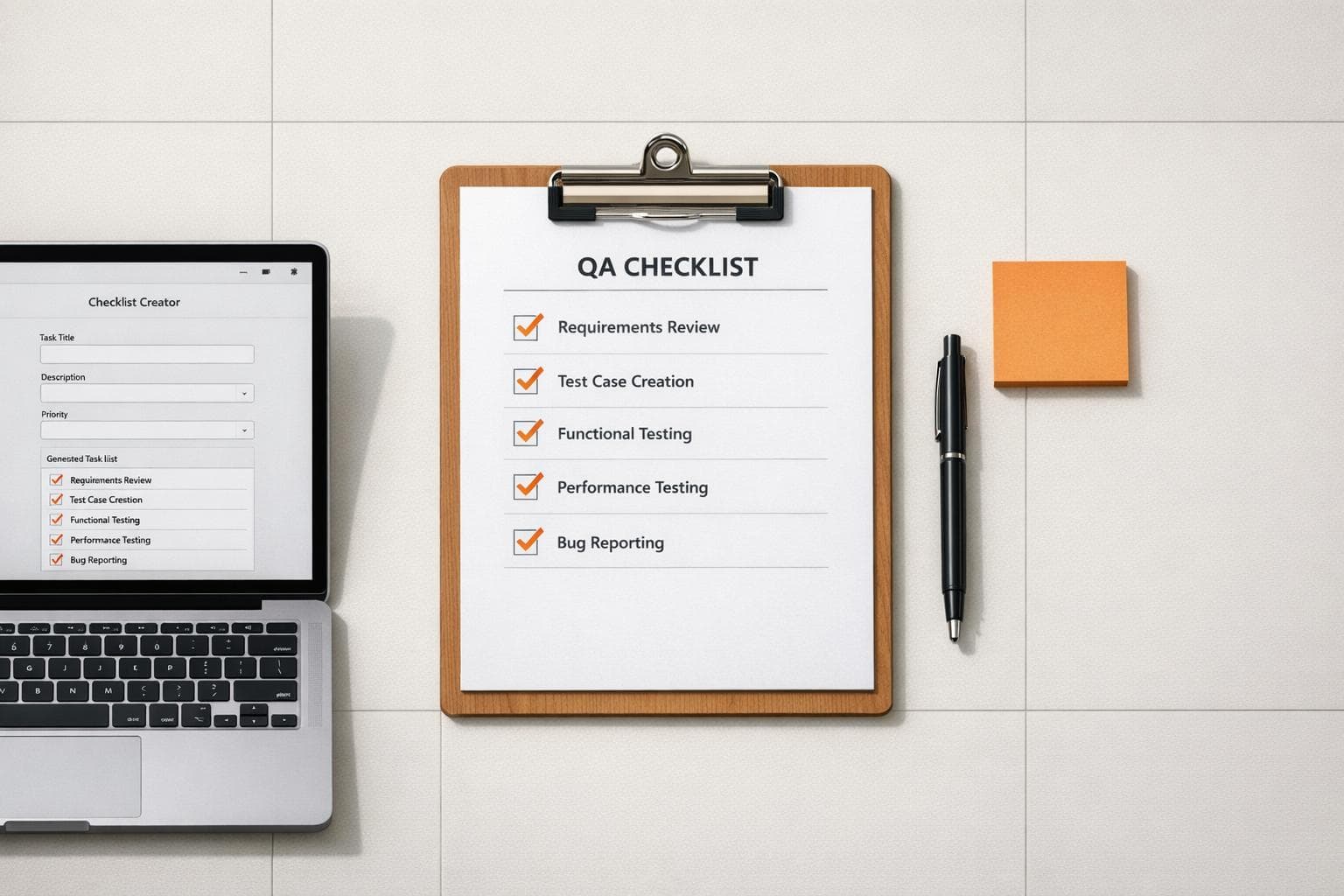
When it comes to quality assurance, having a solid plan is half the battle. That’s where a tailored QA checklist becomes a game-changer for developers and testers. Imagine a tool that takes your project specifics—like whether you’re digging into performance metrics or polishing the user interface—and spits out a neat, actionable list of tasks. It’s not just about saving time; it’s about catching those pesky bugs before they become headaches.
Why Structured Checklists Matter
Software projects vary wildly in scope and complexity, which means a one-size-fits-all approach rarely cuts it. A custom testing task generator helps QA professionals focus on what matters most for their specific goals. Need to prioritize backend stability? You’ll get relevant checkpoints. Tackling user experience? Expect tasks centered on navigation and design. Plus, with the ability to tweak and add your own items, you’re always in control. For teams striving for precision, this kind of organized approach can mean the difference between a smooth launch and a frantic bug hunt. Dive into smarter testing today and see the impact for yourself!
FAQs
Can I customize the checklist for unique project needs?
Absolutely! While our tool suggests standard tasks based on the testing type and focus areas you pick, there’s always room to add your own. Maybe your project has a quirky feature that needs a specific check—just type it in, and it’ll slot right into the categorized list. This flexibility ensures your checklist matches your exact requirements.
What types of testing does this tool support?
We’ve got you covered for a wide range, including functional, performance, usability, security, and more. When you select a testing type, the tool pulls from a database of common tasks tied to that category. So, if you’re doing usability testing, expect suggestions like 'Check UI responsiveness across devices.' You’re not locked in, though—mix and match as you see fit!
Is there a way to save or share the checklist?
Right now, the checklist is displayed on the page for immediate use, and you can easily copy it or print it directly from your browser. We’re working on features to let you save or export checklists as PDFs or share them with your team. Until then, a quick screenshot or copy-paste works like a charm for most users.