Test Scenario Planner for Robust Testing
Design detailed test scenarios for QA with our free Test Scenario Planner. Input features and personas to get structured, customizable test plans!
Test Scenario Planner for Robust Testing
Boost Your QA Process with a Test Scenario Planner
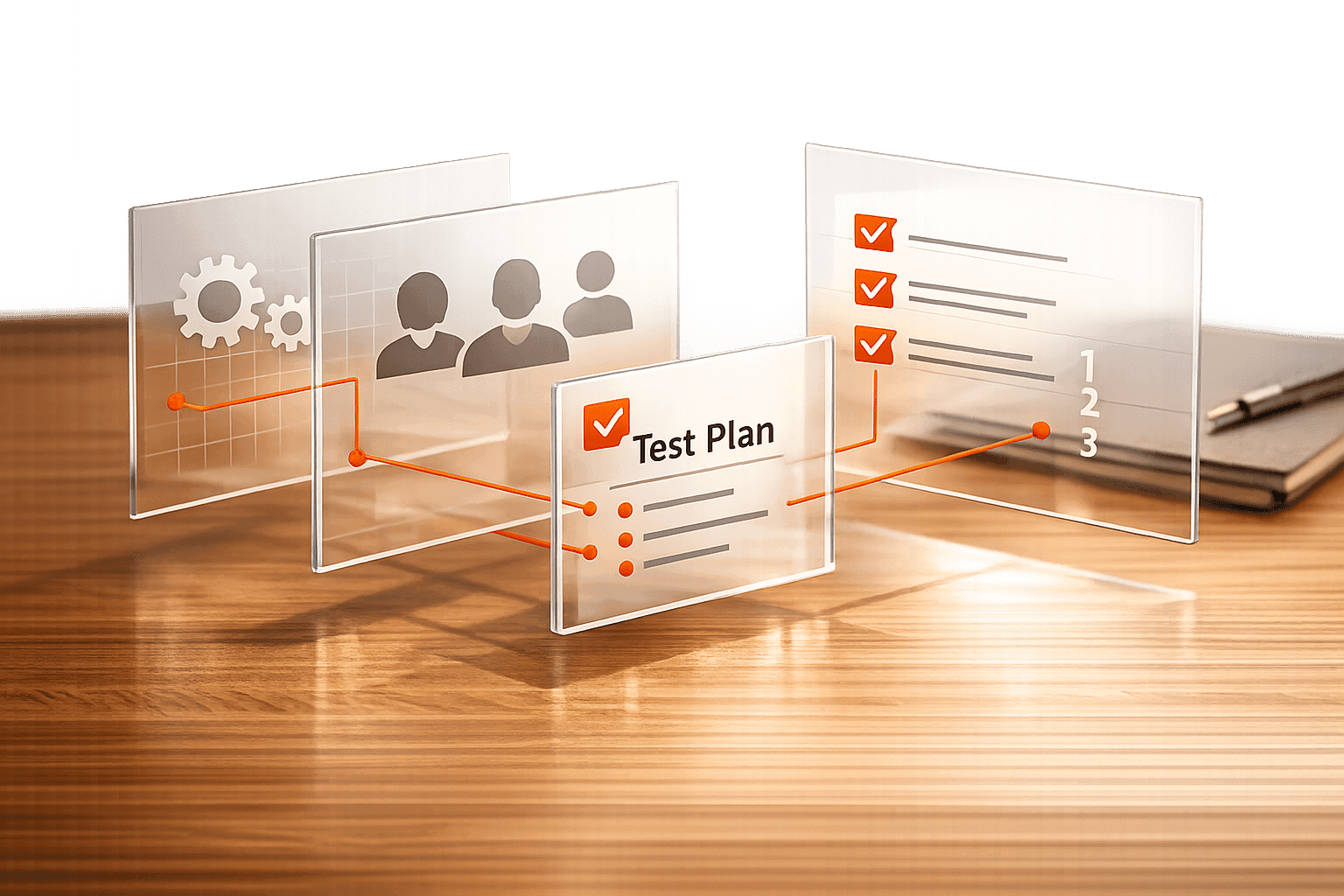
When it comes to software development, quality assurance is the backbone of a smooth launch. Creating detailed test plans, however, can eat up hours of a QA team’s time. That’s where a tool designed for crafting test cases comes in handy. It simplifies the process by turning your project inputs into well-organized scenarios that cover every angle—from preconditions to expected results.
Why Structured Testing Matters
Without a clear roadmap, testing can become chaotic, leading to missed bugs or wasted effort. A reliable planner for QA scenarios ensures you’re targeting the right functionalities and user experiences. Whether you’re validating a login system or a complex payment gateway, having predefined steps and outcomes keeps your team aligned. Plus, the ability to customize or build on suggested cases means you’re never boxed into a one-size-fits-all approach.
Save Time, Improve Accuracy
Imagine cutting down on manual brainstorming while still producing top-notch documentation. Tools like these are built for efficiency, helping developers and testers focus on execution rather than setup. If you’re looking to elevate your software testing game, a dedicated planning resource is a must-have in your toolkit.
FAQs
How does the Test Scenario Planner help with QA testing?
Our tool takes the guesswork out of designing test scenarios. You just input details about your project, like the features you’re testing and who your users are, and it generates structured scenarios. These include preconditions, steps to test, and what results to expect. It’s like having a QA expert brainstorm with you, but faster—and you can tweak everything to match your needs.
Can I create custom test scenarios with this tool?
Absolutely! While the tool suggests common test cases based on the functionality type—like a failed login for authentication—you’re not stuck with them. You can edit any scenario or add your own from scratch. It’s built to be flexible, so your team can craft test plans that fit your unique software requirements.
Is there a way to ensure I don’t miss key details in my inputs?
Yep, we’ve got you covered. The tool has built-in validation to catch incomplete or vague submissions. If you skip something critical, like a feature description, it’ll prompt you to fill it in before generating scenarios. This helps ensure your test plans are thorough and ready to roll right from the start.