Best Visual Testing Tools for QA Teams in 2026
AI-driven visual testing reduces false positives and maintenance—compare top tools by accuracy, dynamic-content handling, integrations, and cost.
Best Visual Testing Tools for QA Teams in 2026
Visual testing is essential for ensuring your app's UI looks perfect across devices and browsers. In 2026, AI-powered tools dominate this space, helping QA teams identify layout, color, and alignment issues faster and more accurately than ever. Here's a quick look at the top tools:
- Rock Smith: Known for its Visual AI Engine, it uses human-like perception to detect real issues while ignoring minor differences. It excels at handling dynamic content. Pricing starts pay-as-you-go scheme.
- Applitools: Offers advanced Visual AI with flexible match levels (Strict, Content, Layout, Exact). It reduces test maintenance and supports accessibility validation. Starts at $899/month with a free plan for small projects.
- Sauce Labs: Focused on cross-platform testing, it ensures consistency across devices. Ideal for large-scale enterprise needs with custom pricing.
- BrowserStack Percy: Affordable at $199/month, it provides basic AI-driven noise filtering but lacks advanced match levels.
- Playwright & BackstopJS: Free, open-source tools for developers, but require technical expertise and are less effective with dynamic content.
Quick Comparison:
| Tool | AI Features | Starting Price | Best For | Limitation |
|---|---|---|---|---|
| Rock Smith | Visual AI, self-healing | Pay-as-you-go | Large teams with dynamic UIs | Mainly for black box testing |
| Applitools | Match levels, auto-maintenance | $899/month | Enterprises needing precision | Expensive for small teams |
| Sauce Labs | Cross-platform validation | Custom | Enterprise multi-platform | Complex pricing |
| Percy | Basic AI filtering | $199/month | Mid-market teams | Less advanced AI |
| Playwright/BackstopJS | None (pixel-diff only) | Free | Developer-centric teams | High maintenance for dynamic UIs |
Choose a tool that fits your team's size, budget, and expertise. Advanced AI tools like Rock Smith and Applitools are ideal for enterprises, while smaller teams may prefer Percy or open-source options.
1. Rock Smith
AI-Powered Features
Rock Smith's Visual AI Engine is designed to work like human perception, identifying real visual and functional issues while ignoring minor pixel variations. By incorporating Generative AI and Natural Language Processing, the platform allows QA teams to write end-to-end tests in plain English. This streamlined process has greatly sped up test creation.
One standout feature is the tool's self-healing locators, which move away from traditional DOM-based selectors. Instead, it uses visual-based elements that adjust automatically to UI changes. When a test fails, the Root Cause Analysis feature identifies the exact DOM and CSS changes behind the visual defect.
These capabilities are paired with intelligent visual analysis to ensure reliable validation, even for dynamic content.
Visual Intelligence Capabilities
Rock Smith excels at handling dynamic content, such as ads, timestamps, and personalized dashboards, without triggering false positives. It also provides intelligent match levels - Strict, Content, Layout, and Exact - so teams can fine-tune sensitivity based on their specific needs . For instance, Gannett Media benefits from this flexibility, with Quality Architect Mike Millgate's team running tens of thousands of tests monthly while maintaining an impressive 99.8% pass rate.
"Our CI environment executes tens of thousands of Visual AI powered tests against the grid each month... We are faster, more stable, and ship with confidence."
- Mike Millgate, Quality Architect, Gannett Media
The AI engine, trained on over 4 billion application screens, delivers human-like decision-making at the speed of automation. Medallia used this technology to cut deployment cycles from 4 hours to just 5 minutes - a 48× speed improvement while maintaining 100% coverage.
2. Applitools
AI-Powered Features
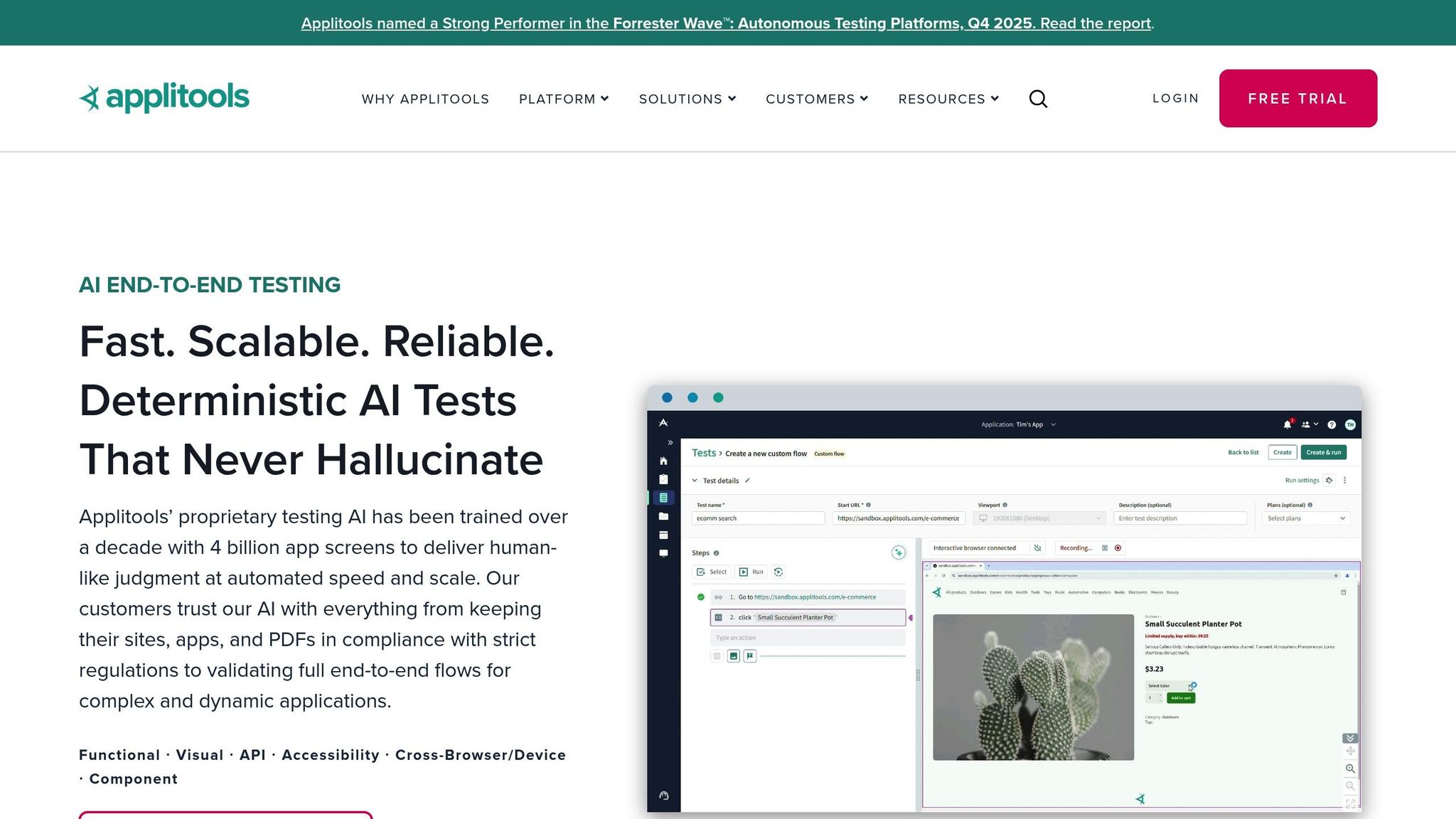
Applitools harnesses the power of Visual AI, a highly trained model, to streamline test creation using plain English. This approach speeds up test creation by 9× and expands test coverage by 100×.
The platform’s Self-Healing Locators adapt to changes in the DOM, minimizing flakiness and reducing maintenance efforts. When visual regressions occur, the Root Cause Analysis feature identifies the exact CSS or DOM code responsible, saving teams valuable time. Additionally, Intelligent Auto-Maintenance groups similar visual differences, allowing for one-click approvals and simplifying the review process.
Applitools also enhances visual validation with sophisticated match level algorithms, ensuring precise and reliable results.
Visual Intelligence Capabilities
Unlike traditional pixel-by-pixel comparisons, Applitools uses Intelligent Auto-Maintenance to dynamically group visual differences. It offers four distinct Match Levels:
- Strict: Detects changes visible to the human eye.
- Content: Ignores color variations while focusing on content.
- Layout: Validates structural consistency.
- Exact: Performs precise pixel-to-pixel comparisons.
This flexibility helps eliminate false positives caused by minor rendering differences, such as anti-aliasing or font changes. For instance, EVERFI reported saving $1 million annually, while EVERSANA accelerated their deployment process by 20×.
"Applitools makes use of advanced machine learning to pinpoint subtle visual defects in your products that otherwise would go unnoticed by a human eye."
- Ashish Desai, Head of Machine Learning Platform Engineering
These intelligent capabilities are further supported by competitive pricing and scalable performance.
Pricing and Scalability
Applitools provides a Free Plan for smaller projects, with the Eyes Starter Plan beginning at $899 per month. For larger teams, enterprise plans are available, and a 14-day free trial allows users to explore the platform before committing. The Ultrafast Test Grid accelerates cross-browser testing by running tests in parallel across hundreds of browsers and devices within seconds. This feature alone significantly reduces testing time.
Additionally, tools like Smart Baseline Branching simplify the management of visual baselines across development branches. On average, teams save 500 hours of manual testing per month and experience a 4× reduction in test maintenance efforts.
Integration with QA Workflows
Applitools seamlessly integrates into modern QA processes, aligning perfectly with CI/CD practices. It supports over 50 test frameworks, including Selenium, Cypress, Playwright, and Appium, and integrates effortlessly with CI/CD tools like Jenkins, GitHub Actions, and CircleCI to automate test execution during builds.
The platform also includes Accessibility Validation, powered by AI, to ensure compliance with WCAG 2.0/2.1 standards. These checks focus on key accessibility elements like text-to-background contrast ratios and focus indicators.
"I love how Applitools Eyes has the smarts to ignore minor visual differences in your components, especially when testing on different browser types where it's easy for layout to be off by a pixel."
- Kent C. Dodds, JavaScript Engineer
3. Sauce Labs
Cross-Platform Testing Capabilities
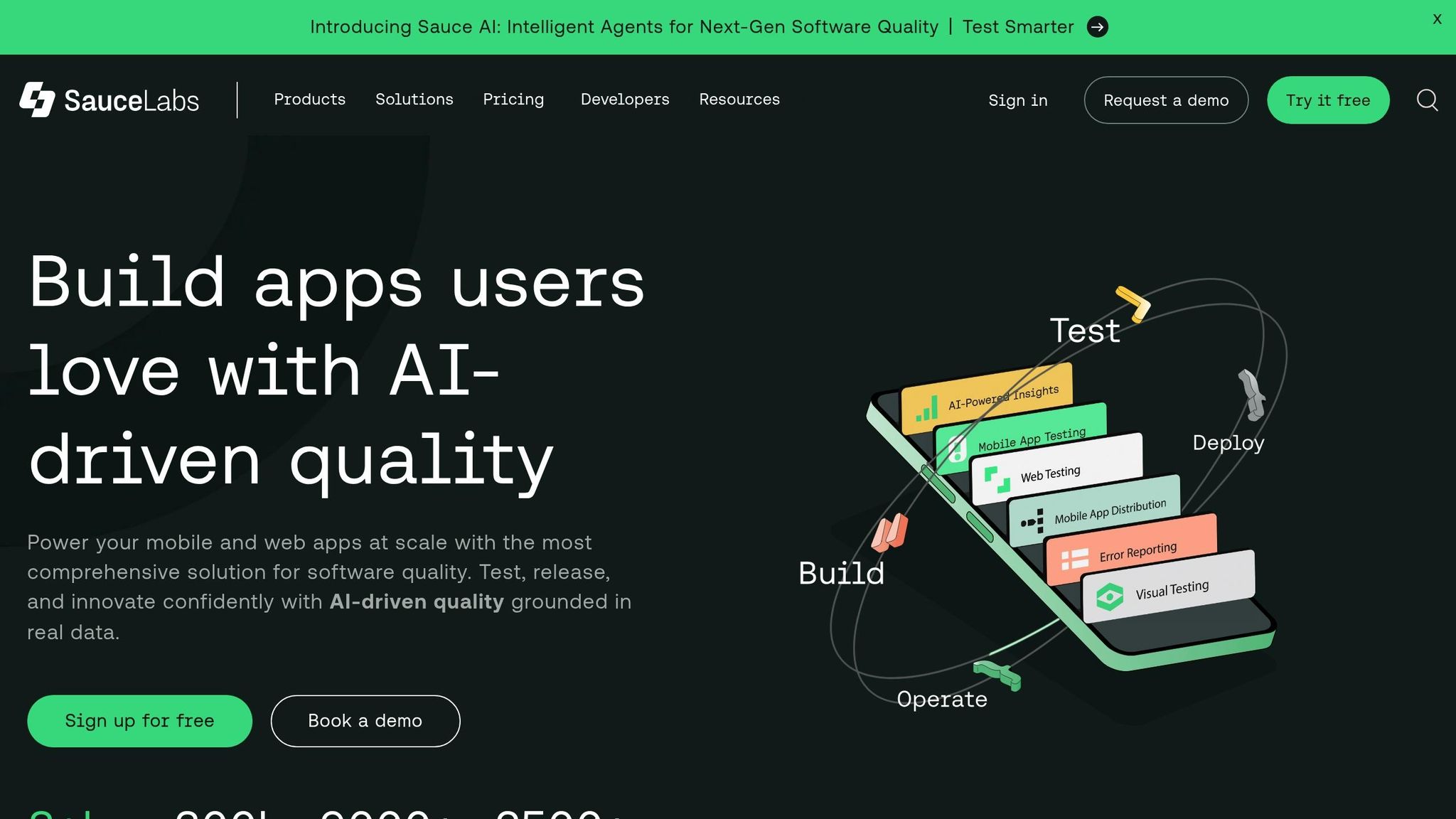
Sauce Labs takes visual testing to the next level by offering a unified solution for cross-platform testing. It ensures that user interfaces remain consistent across desktop, web, and mobile devices. This platform is designed to handle a variety of environments, making it a go-to tool for enterprise-level visual testing needs, often requiring AI that tests like your best QA engineer. Its ability to streamline UI validation across platforms also supports flexible pricing options that can scale with your needs.
Pricing and Scalability
With Sauce Labs, you can run tests in parallel across thousands of browser and device combinations. This not only speeds up the testing process but also provides detailed artifacts - such as logs, screenshots, and videos - to help quickly pinpoint and resolve issues.
Integration with QA Workflows
Sauce Labs seamlessly integrates into CI/CD pipelines, enabling automated visual testing with every new build. This ensures that visual consistency is maintained throughout the development process, regardless of the operating system or browser being used. By embedding into your workflows, Sauce Labs helps teams deliver polished, visually consistent software.
sbb-itb-eb865bc
Why Vision Models Beat Pixel Comparison: Smart Visual Testing with Local LLMs
Pros and Cons
When diving into visual testing tools, it's clear that each option has its own strengths and trade-offs, making them suitable for different teams and workflows. Let’s take a closer look at some popular tools:
Applitools Eyes is a standout for its ability to filter out noise from dynamic content. Powered by Visual AI trained on over 4 billion app screens, it mimics human judgment to deliver accurate results. However, its price is a sticking point - starting at $899 per month, it’s a hefty investment for smaller teams.
On the other hand, BrowserStack Percy offers a more affordable entry point, with plans starting at $199 per month and a free tier that includes 5,000 screenshots monthly. Its AI-driven review process can speed up approval cycles by up to three times and requires just one line of code for integration. But, its AI capabilities aren’t as advanced as Applitools, particularly when it comes to match levels and root cause analysis.
For teams looking to save on licensing costs, open-source tools like Playwright and BackstopJS are appealing. These frameworks are free to use but come with their own challenges. BackstopJS, for instance, relies on pixel-by-pixel comparison, which can be a headache for dynamic content, leading to higher maintenance efforts. Additionally, both tools require significant technical expertise, and teams need to factor in infrastructure hosting costs and time spent on manual configurations.
If your team lacks technical expertise, testRigor could be a game-changer. It allows for plain-English test creation and includes self-healing capabilities, making it accessible for non-technical QA teams. However, its private suites come at a premium, starting at around $900 per month.
Finally, Sauce Labs shines in enterprise environments, offering cross-platform testing across thousands of browser and device combinations. This makes it ideal for large-scale validation needs, though its pricing structure can be complex and may require a custom quote.
Here’s a quick comparison to help you weigh your options:
| Tool | AI Capabilities | Starting Price | Best For | Key Limitation |
|---|---|---|---|---|
| Applitools | Advanced Visual AI with match levels | $899/mo | Large enterprises needing precision | High cost for smaller teams |
| Percy | AI noise filtering with OCR | $199/mo | Mid-market teams | Less sophisticated AI compared to Applitools |
| testRigor | Self-healing with NLP | $900/mo | Non-technical QA teams | Expensive for basic use cases |
| Playwright | Basic screenshot comparison | Free | Developer-centric teams | Requires coding expertise |
| BackstopJS | None (pixel-diff only) | Free | Budget-conscious developers | High maintenance for dynamic content |
| Sauce Labs | Cross-platform validation | Custom | Enterprise multi-platform testing | Complex pricing structure |
Each tool brings something unique to the table, making it essential to match their capabilities with your team’s size, budget, and technical expertise.
Conclusion
Selecting the right visual testing tool in 2026 means finding the perfect match for your team’s unique needs, balancing precision, scalability, and seamless integration into your workflows. For enterprise-level operations requiring high accuracy, tools powered by advanced Visual AI - trained on billions of app screens - offer features like parallel testing across thousands of browser and device combinations, ensuring comprehensive coverage.
If your team focuses on speeding up CI/CD processes, BrowserStack Percy stands out with its AI-driven noise filtering, helping to streamline review cycles and save valuable time.
For more intuitive testing, Rock Smith offers AI-powered black box testing that uses visual intelligence to generate test flows in plain English. With features like semantic targeting and local browser execution, it simplifies testing while maintaining full coverage. Plus, its pay-as-you-go pricing, starting at $0.10 per credit, keeps it flexible for teams of all sizes.
Open-source tools like Playwright and BackstopJS are great options for teams with the technical expertise to configure them. Meanwhile, platforms like testRigor cater to teams that prefer plain-English test authoring, making the process more accessible.
Ultimately, enterprise teams managing complex, multi-platform environments gain the most from advanced Visual AI solutions, while smaller teams or those with tighter budgets can excel with cost-effective or open-source tools. The key is choosing a tool that aligns with your team’s goals and capabilities, ensuring your QA efforts are both efficient and impactful.
FAQs
Why are AI-powered visual testing tools so effective for QA teams in 2026?
AI-powered visual testing tools in 2026 are reshaping the way we approach quality assurance by blending advanced visual intelligence with extensive training on billions of app screens. This combination allows these tools to pinpoint even the tiniest UI changes, like pixel-level regressions, while filtering out irrelevant differences such as dynamic content or changing dates. The outcome? Testing that's not only more precise but also less cluttered with false positives.
What makes these tools even more appealing is how effortlessly they fit into CI/CD pipelines. They work hand-in-hand with popular frameworks like Cypress and Selenium, enabling automated visual checks for every build with minimal setup. Plus, they adjust dynamically to handle cross-browser and device variations, cutting down on maintenance while ensuring consistent, flawless user experiences across platforms. By automating these visual reviews, QA teams can speed up releases without compromising on confidence or quality.
What are self-healing locators, and how do they reduce test maintenance?
Self-healing locators leverage AI-driven algorithms to keep up with changes in a user interface, like shifts in element properties or layout updates. When an element is moved, renamed, or altered, these locators can automatically re-identify it - no manual adjustments needed.
This approach cuts down the time and effort spent updating tests after every UI tweak. QA teams can spend less time on repetitive maintenance and more on tasks that add real value, leading to more efficient workflows and dependable testing results.
What should QA teams look for in a visual testing tool?
When selecting a visual testing tool, it's crucial for QA teams to look for AI-powered visual intelligence. This capability helps differentiate between meaningful UI changes and insignificant variations, such as dynamic dates or personalized content. By minimizing false positives, these tools make maintenance less of a headache. For applications with tailored user experiences, tools that can smartly manage dynamic elements are especially valuable.
Another key consideration is cross-browser and cross-device support. Ensuring that your tool delivers consistent results across different environments is vital for reliable testing. Additionally, seamless integration with CI/CD pipelines and popular testing frameworks like Selenium or Cypress can significantly streamline the automation of visual checks during development. Scalable options that allow parallel visual comparisons are a time-saver, particularly during large-scale releases.
Lastly, prioritize tools with strong usability and collaboration features. Look for an intuitive interface that simplifies baseline management and offers clear visualizations of differences. Built-in reporting capabilities make it easier to spot and resolve issues. For distributed teams, features like version control and role-based access are game-changers, helping maintain workflow efficiency while ensuring proper governance.