Blog
Insights & Updates
Explore the latest in AI-powered QA testing, automation strategies, and best practices for building reliable software.

QA Bottlenecks vs. AI Solutions
AI QA automates test creation, self-heals flaky tests, expands edge-case coverage, and cuts maintenance and costs to spe...
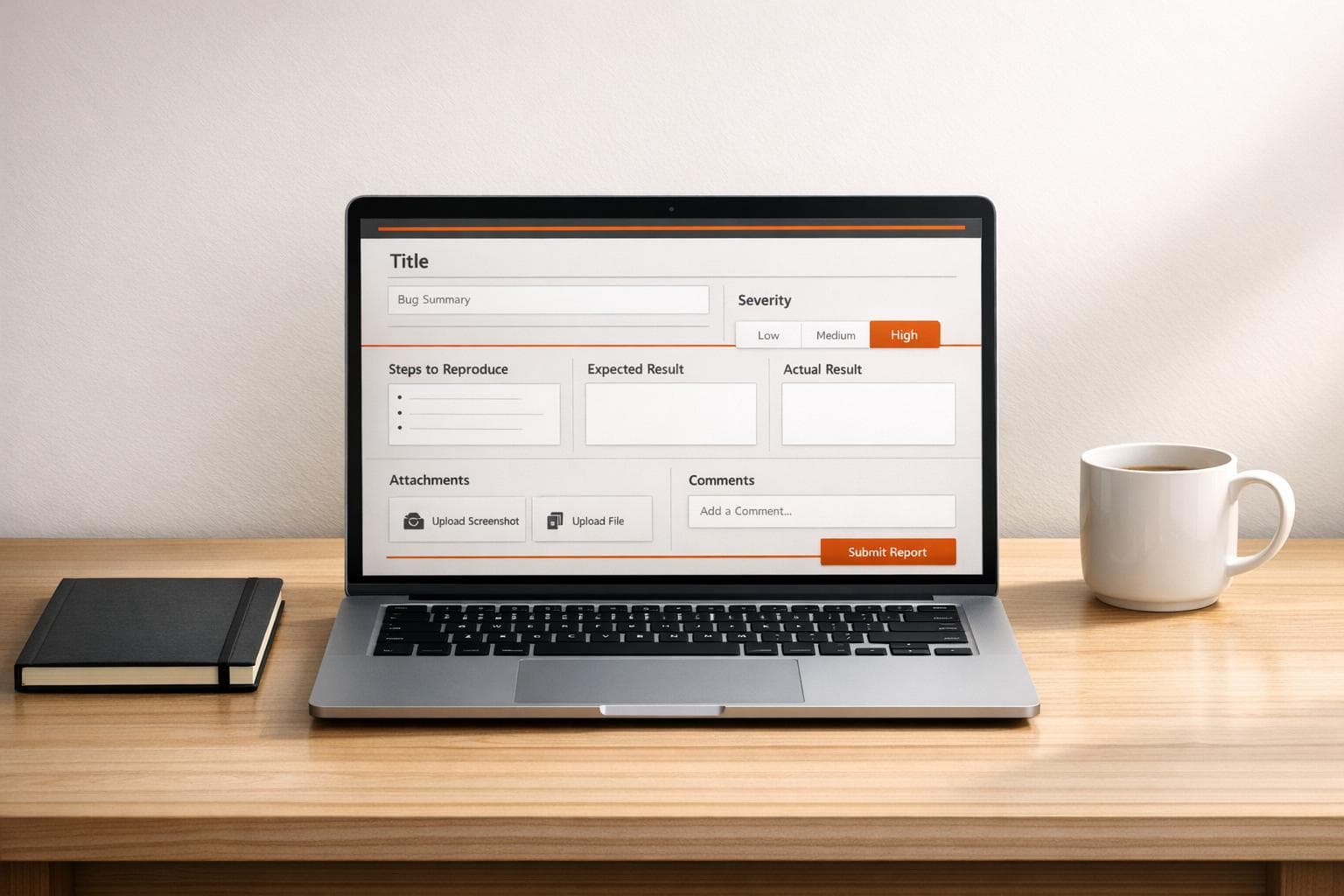
Bug Report Formatter for Seamless Reporting
Easily create structured bug reports with our free formatter tool. Perfect for developers and QA teams to streamline iss...

AI Root Cause Analysis for Test Failures
AI-driven test failure analysis combines logs, screenshots, visual reasoning, and semantic targeting to pinpoint root ca...
Test Data Encryption: Key Practices for QA Teams
Treat test data like production: use AES-256, strict key management (KMS/HSM), masking or tokenization, and automated CI/CD checks to reduce breach risk.
AI Test Analyst vs. Traditional QA Roles
Compare AI Test Analysts and traditional QA: differences in tools, workflows, coverage, and how hybrid teams blend AI automation with human oversight.
Local vs. Cloud Browser Testing for QA Teams
Compare local vs cloud browser testing for QA teams—costs, setup time, speed, device coverage, security, and when to use local, cloud, or hybrid.
Localhost Testing: Common Security Risks And Fixes
Protect your local development: avoid CORS and DNS rebinding, bind services to 127.0.0.1, use HTTPS, validate Host headers, and enforce auth.
How to Combine AI Testing with Human Oversight
Combine AI speed with human oversight—use HITL, on-the-loop, and in-command models to reduce errors and build reliable, secure QA testing workflows.
AI Test Case Generation: Myths vs. Facts
AI helps generate test cases fast and find patterns, but it can't replace human judgment for business logic, edge cases, or high‑risk decisions.
Ultimate Guide to AI Test Maintenance Automation
How AI reduces test maintenance with self-healing locators, semantic targeting, and automated root-cause analysis to improve reliability and cut costs.
 Rock Smith
Ship faster with AI that tests your web apps—so you can focus on building, not debugging.
Get Started